
How much RAM do you need
RAM Size Calculator
Estimate how much desktop RAM a 2026 PC actually needs. Pick a use case and resolution, add the CPU and GPU if you have them, then read minimum, recommended, and comfortable sizes. This RAM size calculator answers how much RAM you need for that mix, not a Task Manager readout.
How to use this RAM size calculator
- Choose the use case, resolution, game weight, and how many browser tabs you keep open. That is enough for a first answer.
- Search the CPU if you want a realistic official memory cap and a DDR4 versus DDR5 hint. Add the GPU if VRAM and resolution should push you to 32 GB.
- Set the RAM you already have and the stick count. The tool tells you whether to keep the kit or step up, and whether one stick is holding you on single channel.
This is a planning size, not a Task Manager dump from your PC. Chrome, overlays, and a badly leaking browser profile can eat more than the recommended column.
What the three sizes mean
| Number | What it is | How to use it |
|---|---|---|
| Minimum | The floor for that use case without extras. | Fine for a clean install. Tight once Discord and 40 tabs join. |
| Recommended | The size we would buy for this mix in 2026. | Buy this, usually as a 2-stick kit. |
| Comfortable | Room for Chrome, overlays, and the next title. | Worth it if you already hate closing tabs. |
A 16 GB GPU does not mean you need 64 GB of DDR. High VRAM cards still want 32 GB on modern AAA at 1440p and 4K. Competitor tools that jump to 64 GB on a mid-range 1080p box are selling capacity you will not touch.
Two sticks beat one fat stick
Dual channel is the cheap FPS win. 2×16 GB is the default 2026 gaming kit. One 32 GB stick is slower and leaves you with an awkward upgrade later. Four sticks can work; many AM5 boards train more happily on two.
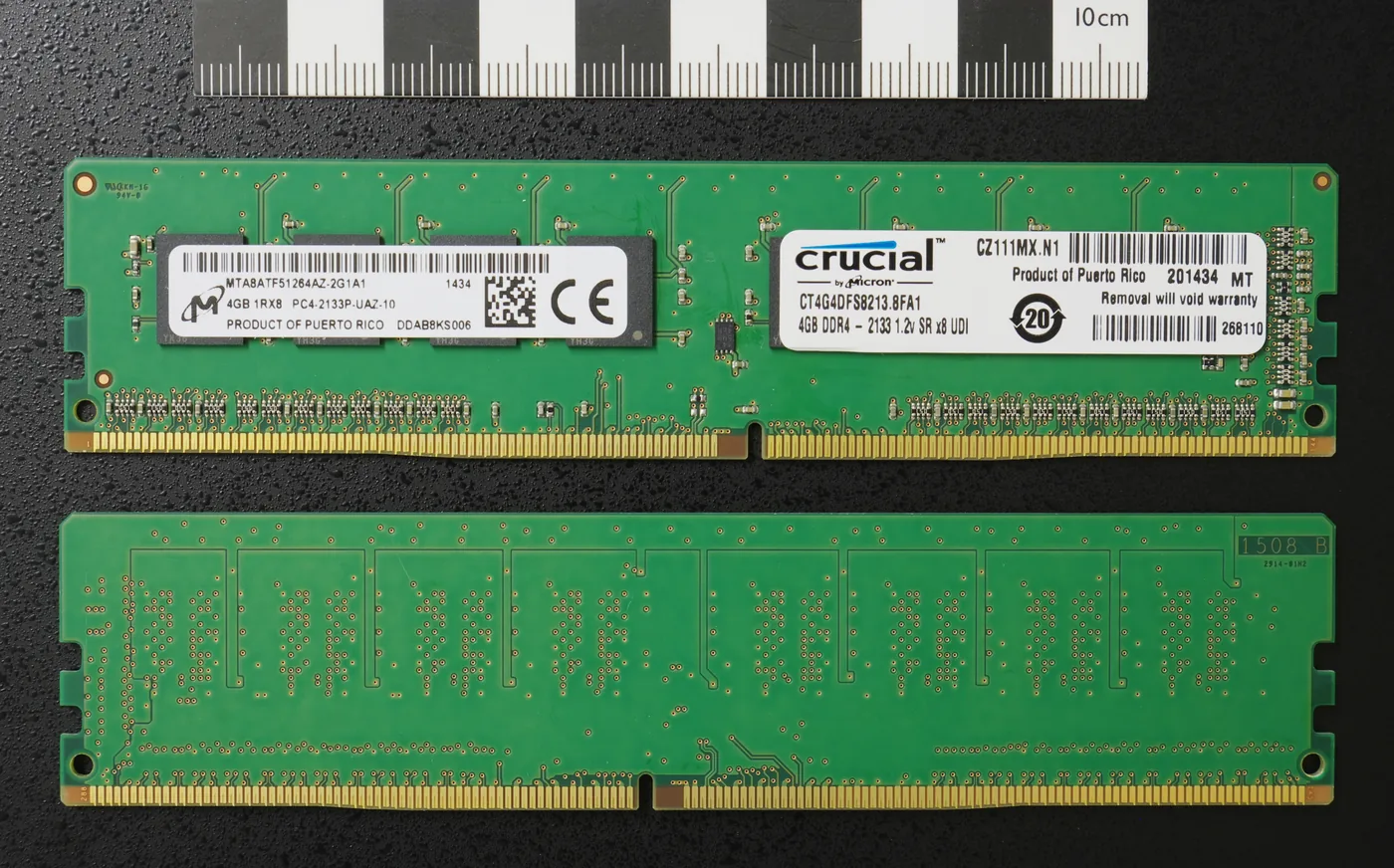
Why the RAM size calculator starts at 16 GB for gaming
Microsoft lists 4 GB as the Windows 11 minimum and 8 GB as the better everyday floor on the Windows 11 specifications page. Games and a browser are not that floor. Most 2024-2026 AAA titles plus Discord and ten Chrome tabs sit nearer 16 GB before the page file starts to feel sticky. The RAM size calculator therefore prints three bands: minimum (you can boot and play), recommended (the kit we would buy once), and comfortable (headroom for capture or a second workload).
VRAM on the graphics card is a different pool. An 8 GB GPU can still need 16 GB of system RAM. If the GPU is the limiter, run the bottleneck calculator on the same CPU and GPU instead of buying 64 GB.
Two sticks, one channel, and leftover DIMMs
Desktop Intel and AMD platforms expect two matched sticks for dual channel. One 32 GB stick in a dual-channel board runs the same capacity at a lower memory bandwidth. The calculator flags a single-stick kit so you do not confuse capacity with throughput. Mixing an old DDR4-3200 stick with a new DDR4-3600 kit usually trains to the slower stick. Do not mix DDR4 and DDR5. The slot keying will not even let you.
| Use | Typical kit | Why |
|---|---|---|
| 1080p esports, few tabs | 16 GB DDR4 or DDR5, two sticks | Titles in this band rarely need more if VRAM is enough. |
| 1440p AAA plus Discord | 32 GB, two sticks | Modern maps and Chrome share the same 32-bit-era habit of growing. |
| 4K edit or local VMs | 64 GB | Timelines and guests are RAM hungry. Confirm the CPU’s official max on the vendor spec sheet. |
After you pick a size, check timings on the RAM latency calculator if you are choosing between two kits at the same capacity. Author notes: About us.
Official floors versus what games actually use
Windows 11’s published RAM floor is a boot and desktop number. It is not a gaming kit size. That is why this RAM size calculator starts recommended at 16 GB for light 1080p and 32 GB for most 1440p AAA plus a browser. A laptop with 8 GB soldered plus a game that wants 12 GB will page. Adding a second stick only helps if the machine has a free SODIMM and the vendor QVL allows it.
Do not buy 64 GB for a 1080p esports box unless you also run local VMs or a heavy timeline. Extra DIMMs that never fill do not raise FPS. If FPS is the question, use the FPS calculator on the same CPU and GPU.
RAM size FAQ
Next step
When the size looks right, compare two kits on the RAM latency calculator. For CPU and GPU balance, use the bottleneck calculator.