
Usable space before you buy disks
RAID Calculator
See usable capacity, efficiency, fault tolerance, and a rough rebuild time for two RAID levels at once. This RAID calculator shows RAID 5 capacity and usable storage before you buy disks. Unraid keeps leftover space that classic RAID wastes.
How to use this RAID calculator
- Set the drive count and size, or switch to mixed sizes and type each disk.
- Pick two RAID levels to compare. Both columns update as you change a field.
- Read usable space, efficiency, how many disks can die, and a rebuild-time sketch from the speed you picked.
Classic RAID 5 and RAID 6 use the smallest disk. A 4 TB + 8 TB pair does not magically become 12 TB of protected space. Unraid subtracts the largest disk (or two) and keeps the rest.
Which level for which job
| Job | Start here | Why |
|---|---|---|
| Two-disk backup box | RAID 1 | Simple mirror. Capacity equals one disk. |
| NAS photos / media, 4+ disks | RAID 6 or Unraid 2 parity | One parity disk is thin on large HDDs during a long rebuild. |
| VMs and apps | RAID 10 | Writes stay livable. Rebuild is a mirror copy, not a full parity rebuild. |
| Scratch / transcode | RAID 0 | Speed only. One disk dies and the set is gone. |
RAID keeps the array online after a disk dies. It is not a backup. Keep a copy off the chassis.
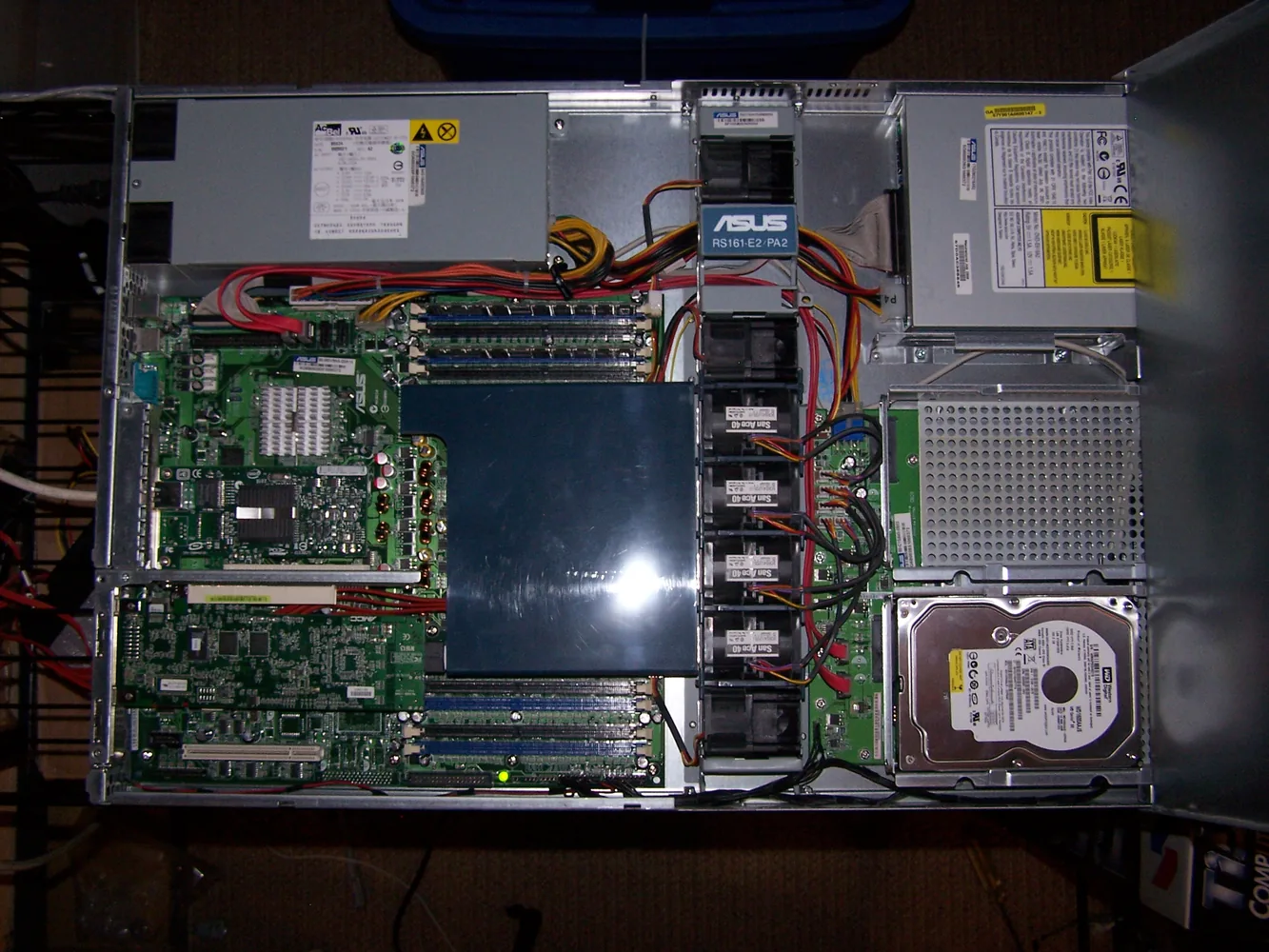
RAID calculator math versus a backup
RAID is an availability layout, not a backup. RAID 1 and RAID 10 still die if you delete a file, and a fire does not care how many parity disks you bought. Keep a copy off the array. Microsoft’s Storage Spaces overview is a useful reminder that software RAID-like pools have the same rule.
Usable capacity on RAID 5 is (n minus 1) times the smallest disk. RAID 6 is (n minus 2). RAID 10 is half the set, in mirrored pairs. If you mix a 4 TB and an 8 TB disk, both RAID 5 and RAID 6 treat every disk as 4 TB. The extra 4 TB on the larger drive is unused in a standard RAID set.
Rebuild time is a warning, not a stopwatch
Rebuild time on this RAID calculator is a rough pass across usable terabytes, not a vendor NAS estimate. A 20 TB disk rebuild on a busy array can run overnight or longer. During that window a second disk failure on RAID 5 is a full loss. That is why four-plus large HDDs usually belong on RAID 6 or a two-parity unRAID/TrueNAS layout, not RAID 5.
| Level | Usable (equal disks) | Survive |
|---|---|---|
| RAID 0 | All disks | Zero disks. One failure wipes the set. |
| RAID 1 | One disk | One disk in a two-disk mirror. |
| RAID 5 | n minus 1 | One disk, with a long rebuild on large HDDs. |
| RAID 6 | n minus 2 | Two disks. |
| RAID 10 | Half | One disk per mirror pair. |
For game FPS after the NAS is built, use the FPS calculator. Hardware pairing: bottleneck calculator.
When this RAID calculator is the wrong page
Unraid, TrueNAS, and Windows Storage Spaces are not classic RAID 5 even when they use parity. This RAID calculator is the textbook layout: equal or mixed disks treated as the smallest disk, hardware or md-style RAID 0/1/5/6/10. If you want leftover space on a mixed HDD set, that is Unraid or a similar pool, not this form.
A two-disk mirror is RAID 1. Adding a third disk as a hot spare is not RAID 5. RAID 10 needs an even count. The rebuild warning is there because a 20 TB disk can sit in a degraded RAID 5 for a workday. During that window one more failure is a full restore from backup. Microsoft’s Storage Spaces overview is still worth a read if the array will live on Windows Server.
Questions: contact us. Author notes: About us.
RAID calculator FAQ
Next step
If the array is a whole PC, estimate wattage on the PSU calculator after you know the drive count. Questions: contact us.