
PC Performance Test
Score a CPU and GPU combo, name the gaming class, and see where the box is strong or thin. This PC performance test is a parts-based combo score, not 3DMark in your browser. The optional tab test only times this page.
This only times how fast this tab can draw dots. It is not 3DMark, not Unigine, and it does not replace the parts score above.
How to use the PC performance test
- Search the CPU and GPU. Add RAM size, RAM speed, storage, and the resolution you actually use.
- Read the parts score, class, catalog mix FPS, and the bottleneck line. Those four update live.
- Optional: run the 2.5 second tab test if you want a browser FPS number. It does not replace the parts score.
A lot of “PC performance test” pages either dump you into a long article or imply a canvas loop is a GPU bench. This page says the opposite up front: we score the combo you typed. The class label is the useful output (office, 1080p 60, 1440p, 4K, esports 144).
What the score is
| Piece | What it covers | What it ignores |
|---|---|---|
| Parts score | CPU, GPU, RAM, storage, and CPU vs GPU balance. | Cooler, RAM timings, dual channel vs single, and a dusty case. |
| Class | The gaming band that mix belongs in at your resolution. | A single title with a broken CPU limiter. |
| Tab test | How fast this browser tab can draw dots for 2.5 seconds. | DirectX, Vulkan, VRAM, and your actual GPU driver. |
The older PC performance article on this site is still there. This draft is the interactive checker. The header can keep pointing at the article until you decide to retarget it.
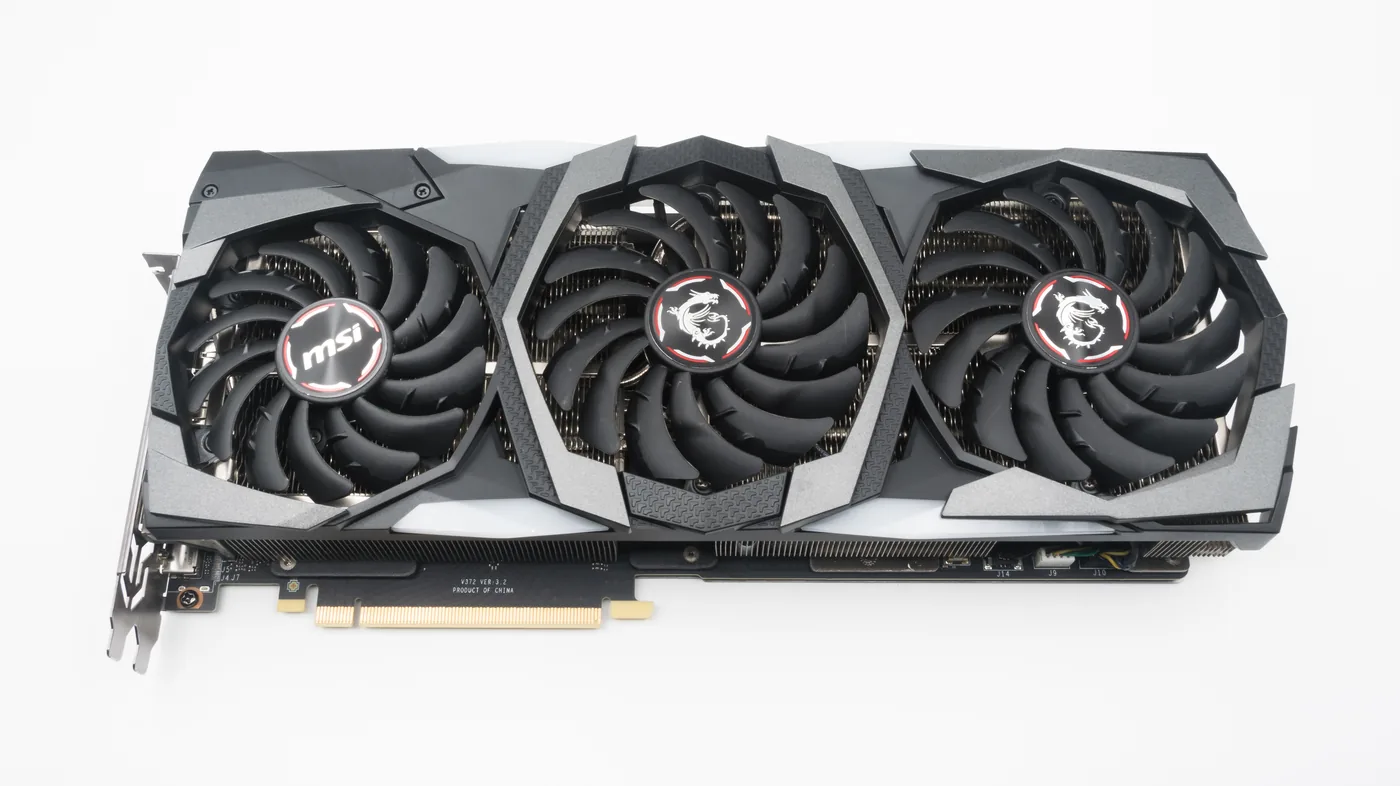
What the PC performance test score is
The PC performance test is a parts score, not 3DMark, Cinebench, or Unigine. It weights CPU, GPU, RAM, storage, and CPU versus GPU balance from the same catalog as the bottleneck calculator. The class label is the gaming band that mix belongs in at your resolution. It will not match a single broken CPU-limited title.
The optional 2.5 second tab test only times how fast this browser tab can draw dots. It ignores DirectX, Vulkan, VRAM, and your GPU driver. Leave it off if you only want the parts class.
How to read class versus an overlay
A high class with a bad bottleneck percent means the box is fast and uneven. Upgrade the weak side, or drop resolution, instead of chasing a higher score. To measure real frame time, use a vendor overlay. NVIDIA’s steps are in support article 5084. Intel PresentMon is the sampler many overlays wrap.
| Piece | What it covers | What it ignores |
|---|---|---|
| Parts score | CPU, GPU, RAM, storage, and CPU vs GPU balance. | Cooler, RAM timings, dual channel vs single, dusty case. |
| Class | The gaming band that mix belongs in at your resolution. | A single title with a broken CPU limiter. |
| Tab test | How fast this browser tab can draw dots for 2.5 seconds. | DirectX, Vulkan, VRAM, and the GPU driver. |
Game-by-game grid: What Games Can I Run. FPS for one title: FPS calculator. Guides.
PC performance test versus FPS and bottleneck
Use the PC performance test when you want one class label for a full combo. Use the bottleneck calculator when you only care which side is holding the other back. Use the FPS calculator when you care about one title at one resolution.
The tab test is easy to misread. A fast office laptop can draw dots quickly and still miss a 1440p GPU class. Leave it off unless you are checking that this browser tab is not frozen. Class is a catalog band. Overlay frame time is the truth after you install the parts.
NVIDIA overlay steps: article 5084. Sampler: PresentMon. Author: About us.
Storage in the PC performance test is a class for NVMe versus SATA versus HDD, not a queue-depth bench. A Gen5 drive will not lift the gaming class if the GPU is already the floor. RAM size moves the score more than RAM speed. Timings belong on the RAM latency calculator, not here.
PC performance test FAQ
Next step
Compare two full lists on the build comparison, or rank the next part on the upgrade calculator.