
PC Upgrade Calculator
Rank what to upgrade first on the box you already have. This PC upgrade calculator lists RAM, GPU, and CPU picks with estimated FPS lift and a socket warning when a new board is required.
How to use the upgrade calculator
- Search the CPU and GPU you already own. Set RAM, target resolution, and target FPS.
- Move the budget slider. The ranked list updates live. The first card is the best estimated FPS per dollar.
- Read the socket line. AM4 can often take a later 5000-series chip. AM5 and a new board are a different bill.
Competitor upgrade pages often stop at a generic “upgrade the GPU” line. This one ranks RAM, GPU, same-socket CPU, and a platform jump, then shows the estimated catalog mix FPS after each pick.
How the ranking works
| Signal | What we do | What we do not do |
|---|---|---|
| FPS lift | Re-run the catalog estimate with the candidate part. | Promise a single-title bench from a review site. |
| Street band | A rough retail group from the part score. | Live Amazon or Newegg prices. |
| Socket | Guess AM4, AM5, LGA 1700, and a few older Intel sockets from the CPU name. | Read your BIOS or cooler height. |
If you are on 8 GB, RAM often wins the first slot. That is intentional. A new GPU on 8 GB still shares a starved dual-channel kit with Chrome.
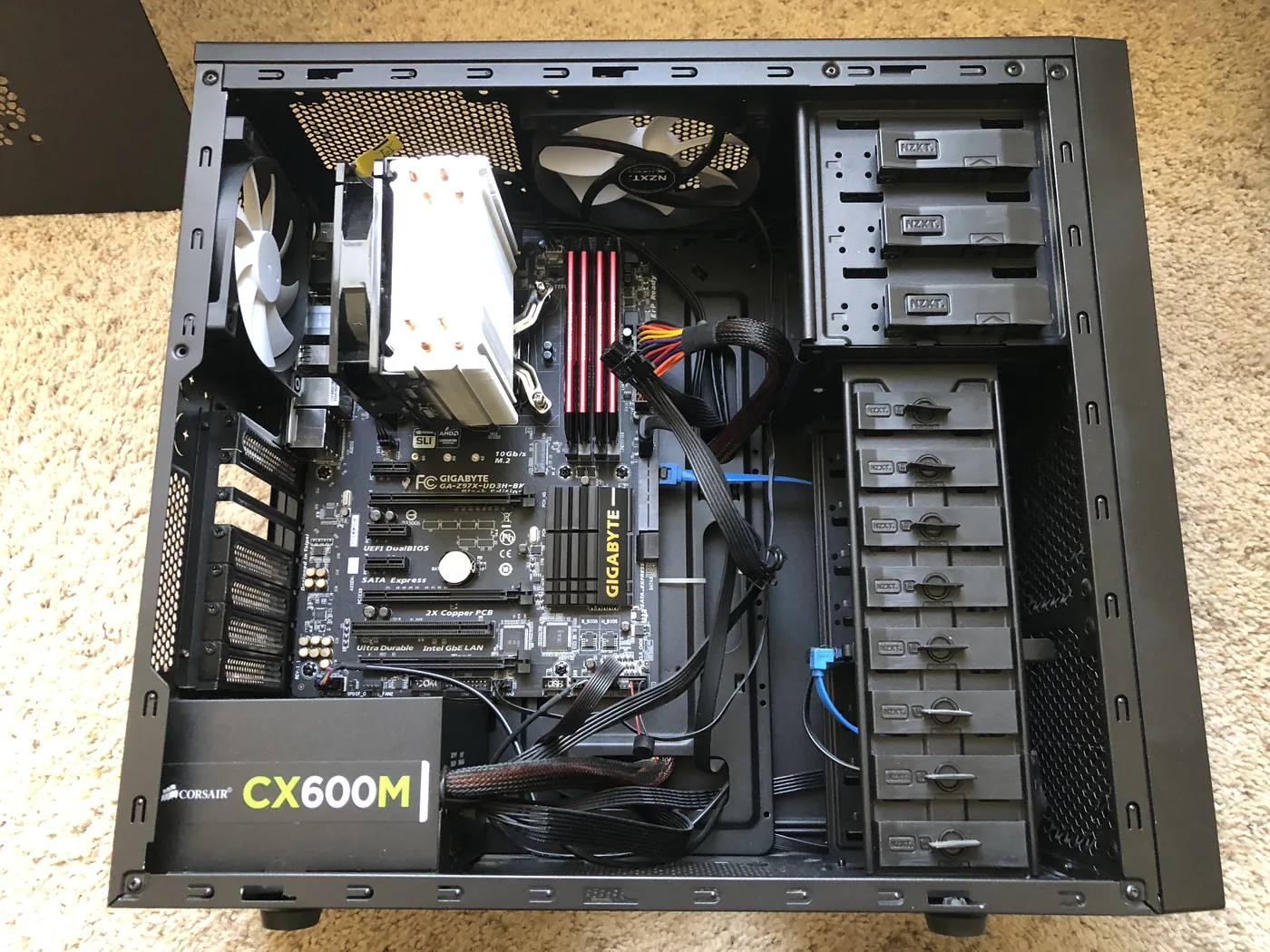
How the PC upgrade calculator ranks the next buy
The PC upgrade calculator re-runs the catalog FPS estimate after swapping RAM, GPU, or CPU, then sorts by estimated FPS lift per a rough street band. It is not a live Amazon price. An 8 GB kit jumping to 16 GB often beats a GPU swap because Windows and the game were already paging. A 5800X3D-class chip can drop into many AM4 boards. A 9800X3D cannot. AMD documents the AM5 platform separately at amd.com AM5.
If the tool prints a socket warning, budget a board and DDR5 before you treat the CPU row as a drop-in. That warning is the point of this page versus a generic ‘best CPU’ article.
When this page is the wrong tool
If you only care whether the current CPU holds the current GPU back, use the bottleneck calculator. If you only care which titles run, use What Games Can I Run. This upgrade list is for ‘I have a budget and one box already on the desk.’
| Signal | What we do | What we do not do |
|---|---|---|
| FPS lift | Re-run the catalog estimate with the candidate part. | Promise a single-title review-site bench. |
| Street band | A rough retail group from the part score. | Live Newegg or Amazon quotes. |
| Socket | Guess AM4, AM5, LGA 1700, and a few older Intel sockets from the CPU name. | Read your BIOS or cooler height. |
Wattage after you pick a GPU: PSU calculator. More explainers: Guides.
Socket, cooler, and why RAM is often first
The PC upgrade calculator will rank a CPU swap high when the catalog FPS jump is large. It will also print a socket warning when the name looks like AM5 and the current chip looks like AM4. Budget the board, DDR5, and often a cooler before you treat that row as a Saturday drop-in. AMD splits AM5 from AM4 on the AM5 page.
RAM ranks first when the installed size is under the band the catalog treats as enough for that resolution. 8 GB to 16 GB is the common example. A GPU rank wins when the current card is the limiter at your resolution and the CPU is already in a similar tier. If you only wanted CPU versus GPU percent, skip this list and use the bottleneck calculator.
After a GPU pick, confirm titles on What Games Can I Run and FPS on the FPS calculator.
Street bands on this PC upgrade calculator are grouped from the catalog score, not a live Newegg scrape. A GPU that is out of stock at $50 over the band still counts as that band here. Treat the order as a planning rank, then check street price yourself before you buy.
PC upgrade calculator FAQ
Next step
After you shortlist a part, confirm wattage on the PSU calculator and balance on the bottleneck calculator.